Wholesale Apparel Line Sheet Template
Present your clothing collection in an A4 line sheet with full-page category openers and photo-led product listings. Give wholesale buyers the style details, available options, and pricing they need to review your range.
- A4
- Landscape
- 1–12 pages
Inside the wholesale apparel line sheet template
Built for wholesale apparel catalogs
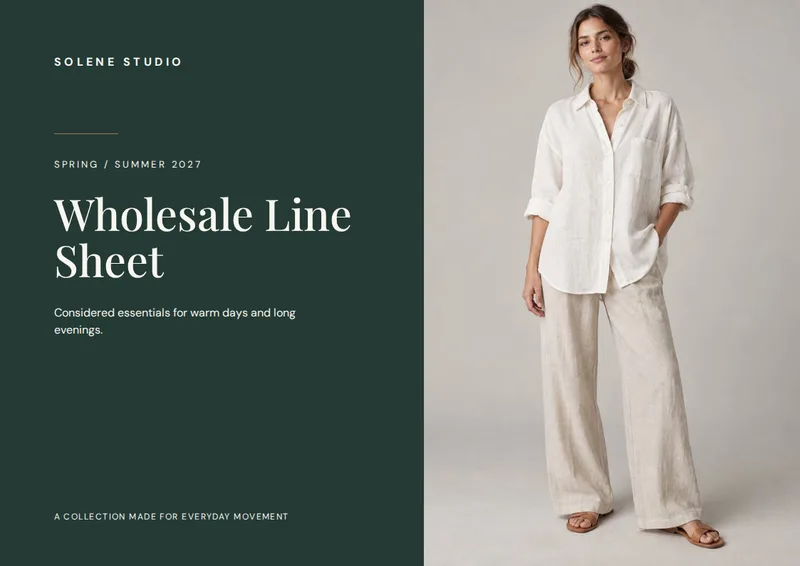
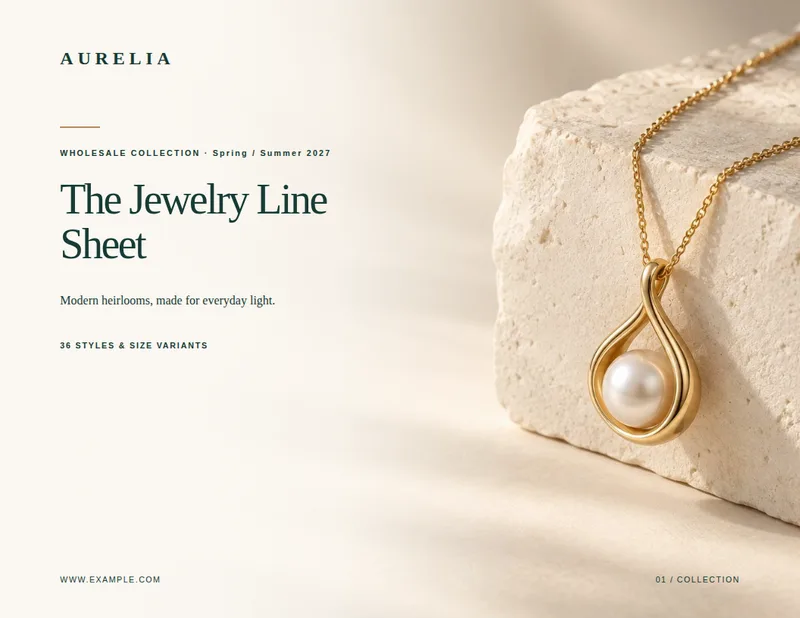
- A4 cover with a full-page product photo
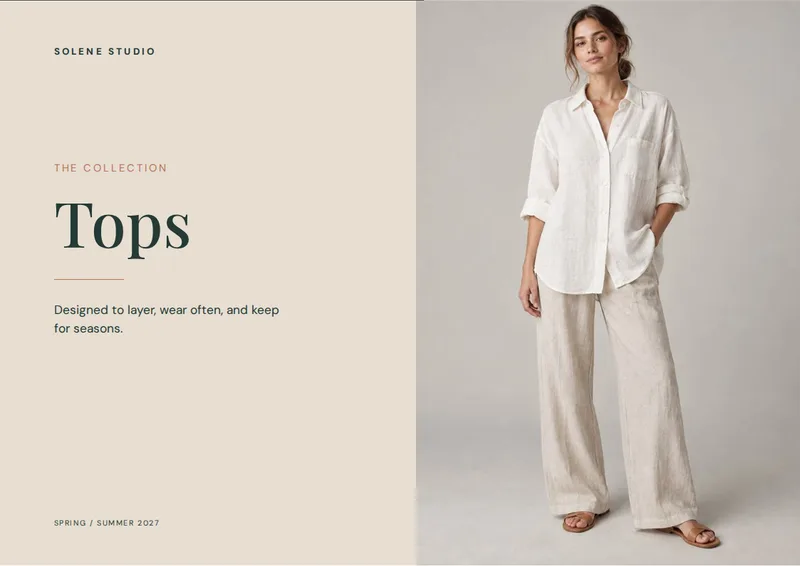
- Full-page openers for Tops, Bottoms, Dresses, and Outerwear
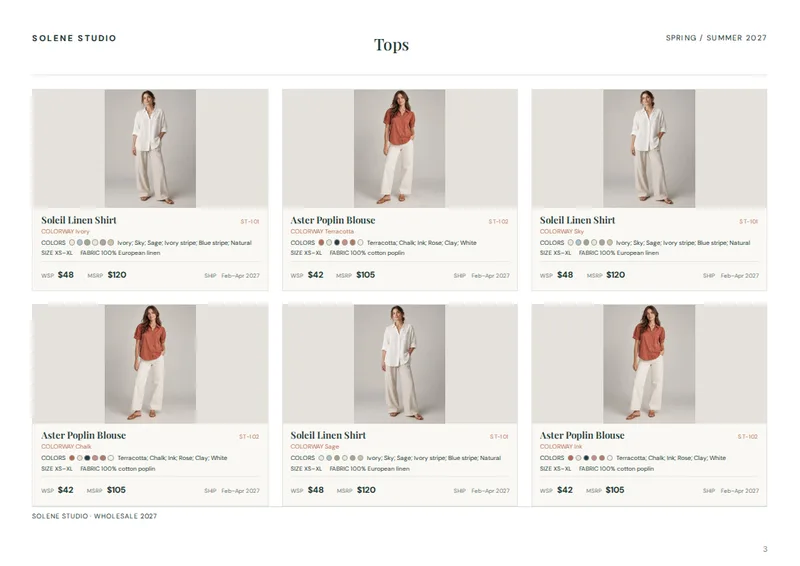
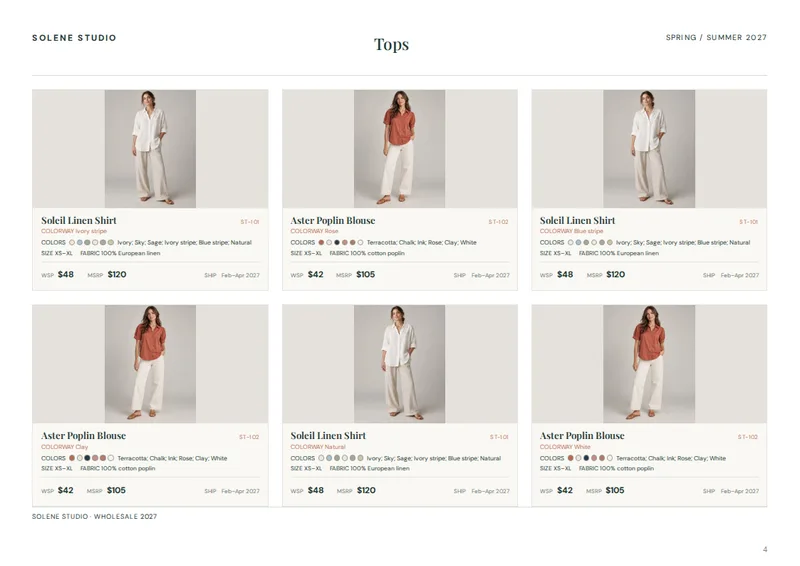
- Photo-led listings with up to six products per page
- Color swatches, sizes, fabric, and pricing beside each style
- Final page reserved for ordering and contact details
Columns your spreadsheet needs
One row per product. Name your columns like this, or map your own column names when you connect the spreadsheet.
| Column | What goes in it | Example |
|---|---|---|
category | Category | Tops |
image | Product photo | ST-101-IVORY.jpg |
name | Product name | Soleil Linen Shirt |
style_no | Style number | ST-101 |
colorway | Photographed colorway | Ivory |
colors | Available colors | Ivory; Sky; Sage; Ivory stripe; Blue stripe; Natural |
sizes | Sizes | XS–XL |
fabric | Fabric | 100% European linen |
wholesale_price | Wholesale price | 48 |
msrp | MSRP | 120 |
delivery_window | Delivery window | Feb–Apr 2027 |
A line sheet organized by clothing category
Start with a cover featuring a product photo, then move through separate sections for Tops, Bottoms, Dresses, and Outerwear. Each section opens on its own full page with the category name and a large image from that group. Product listings follow the opener, so buyers can browse one part of the collection at a time rather than sort through a mixed list of styles. The line sheet closes with a page reserved for ordering and contact information.
This structure suits apparel brands, showrooms, and distributors sharing a seasonal range with wholesale accounts. It gives buyers a clear path from the collection overview to the details of each style. The template is set up for A4 pages; the sample renders as a 12-page document.
Product photos beside the details buyers need
Listing pages show up to six products each. Every entry places a product photo next to the garment name and style number. Beneath those identifiers, buyers can see the photographed colorway, the available colors as both swatches and written names, the size range, and the fabric composition. Wholesale price, MSRP, and delivery window sit together at the bottom of the entry for a quick comparison across styles.
That combination works for pieces with several color options, such as a shirt photographed in Ivory but offered in additional shades and stripes. Buyers can identify the pictured version without mistaking it for the full color assortment. Style numbers also make it easier to refer to a specific garment when discussing an order.
Build from your apparel spreadsheet
Use a product spreadsheet with a category for each row, plus the image filename, product name, style number, colorway, colors, sizes, fabric, wholesale price, MSRP, and delivery window. The category determines where a style appears, while the first product photo in each category supplies its full-page opener image. The first product photo also appears on the cover.
Keep color names separated in the colors column so the listing can show the assortment alongside its swatches. When your range or details change, update the spreadsheet and produce a new line sheet rather than manually rebuilding product pages. The result is a print-ready PDF catalog laid out for wholesale review.
Wholesale Apparel Line Sheet Template, answered
How are products grouped in the line sheet?
Set each product’s category to Tops, Bottoms, Dresses, or Outerwear. Each populated category gets a full-page opener followed by its product listings.
How many products appear on a listing page?
A listing page holds up to six products. Categories with more products continue onto additional listing pages.
Can I show multiple colors for one style?
Yes. Put the photographed option in colorway and separate the available color names with semicolons in colors. The listing shows the color names and swatches.
Which prices does each product listing show?
Each listing shows wholesale_price and msrp alongside the product’s delivery_window.
What should I use for product photos?
Enter each product’s photo filename in the image column and provide the corresponding photos. The first product photo is also used on the cover, and the first photo in each category appears on its opener.
Make your line sheet from your spreadsheet
Start from this template, replace the sample data with your products and export a print-ready PDF.