Handbag Line Sheet Template
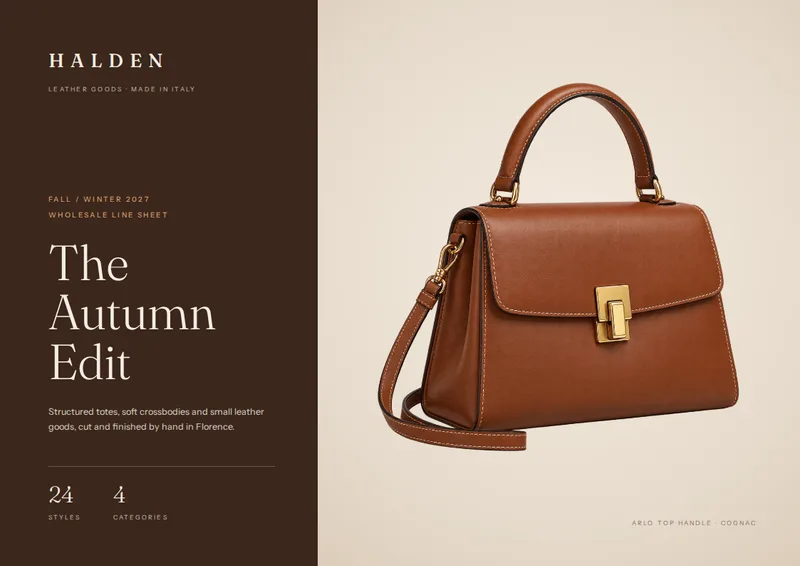
Present your handbag collection in a landscape A4 line sheet with a cover, style overview, photo-led category pages, and ordering details. Build the product pages from your spreadsheet and photos.
- A4
- Landscape
- 1–100 pages
Inside the handbag line sheet template
Built for handbags & accessories catalogs
- Landscape A4 layout with a collection cover
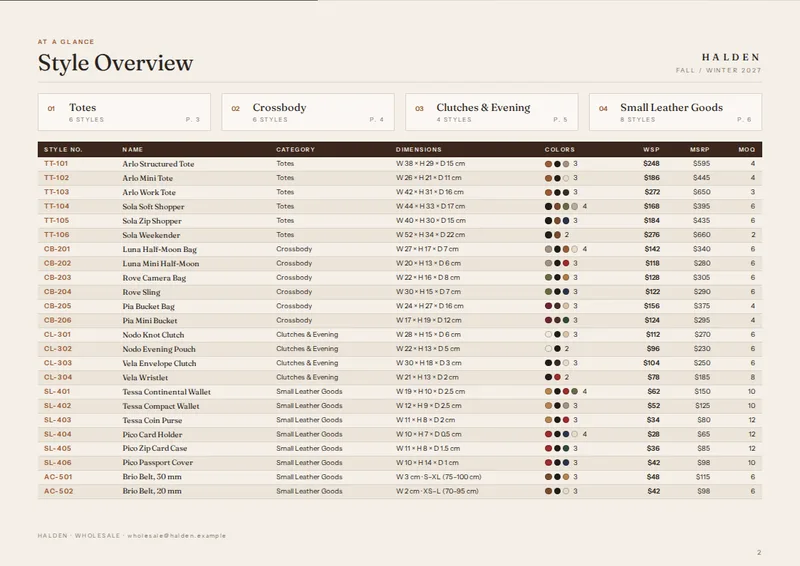
- Category index and at-a-glance style table
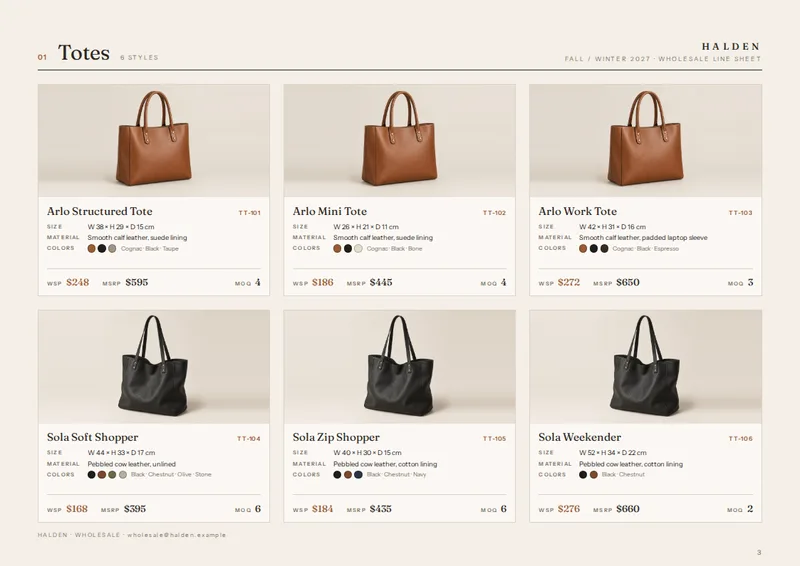
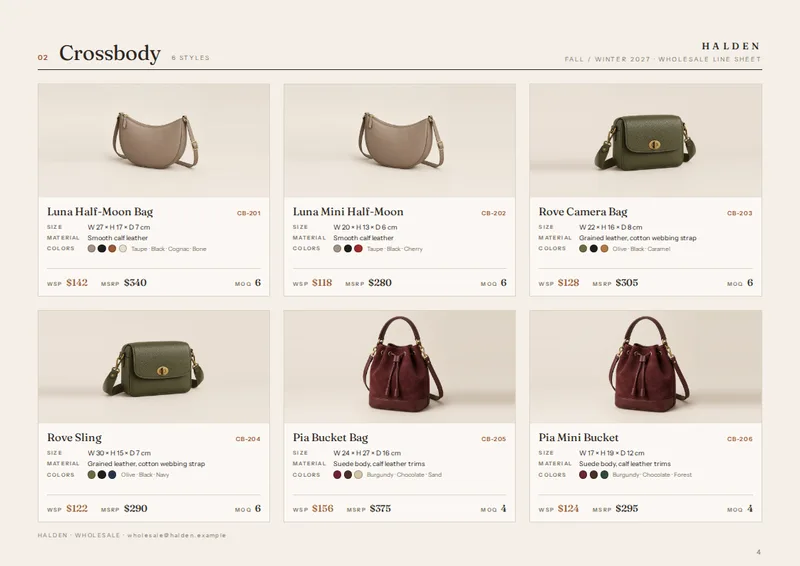
- Photo-led product cards, up to six per category page
- Color swatches, prices, and MOQs on product cards
- Closing page for ordering terms and contact details
Columns your spreadsheet needs
One row per product. Name your columns like this, or map your own column names when you connect the spreadsheet.
| Column | What goes in it | Example |
|---|---|---|
style_no | Style number | TT-101 |
name | Product name | Arlo Structured Tote |
image | Product image | TT-101.jpg |
category | Category | Totes |
dimensions | Dimensions | W 38 × H 29 × D 15 cm |
material | Material | Smooth calf leather, suede lining |
colors | Colors | Cognac; Black; Taupe |
wholesale_price | Wholesale price | 248 |
msrp | MSRP | 595 |
moq | Minimum order quantity | 4 |
A line sheet buyers can scan
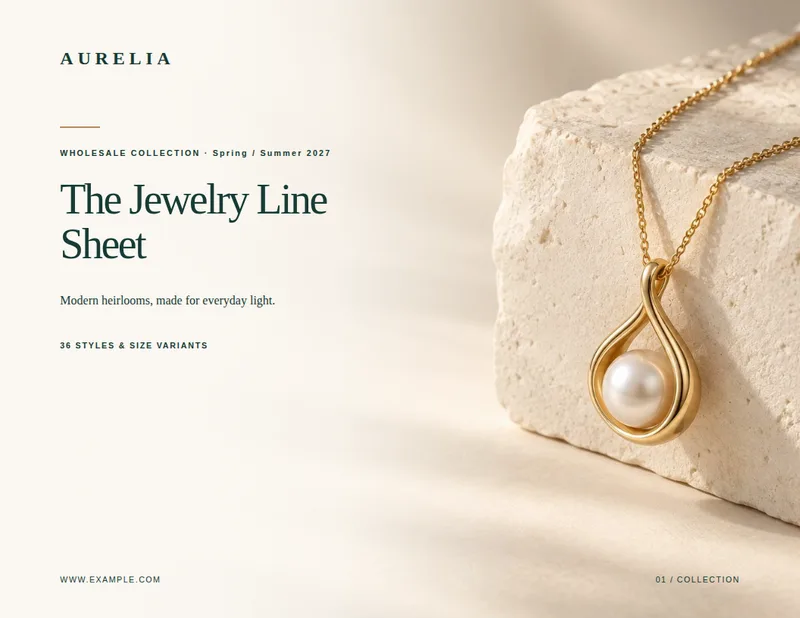
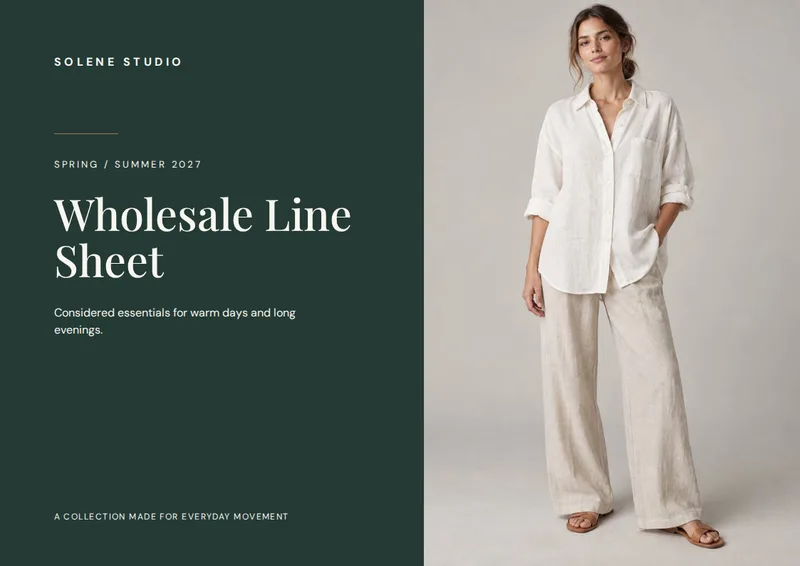
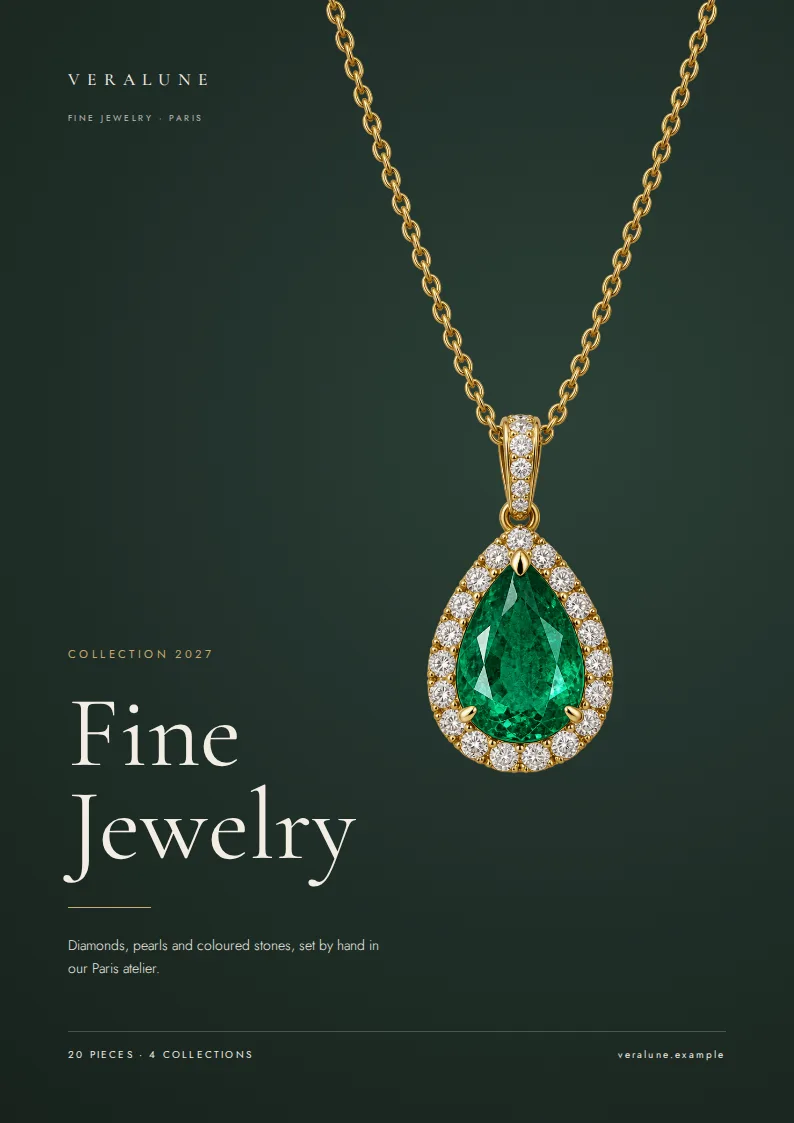
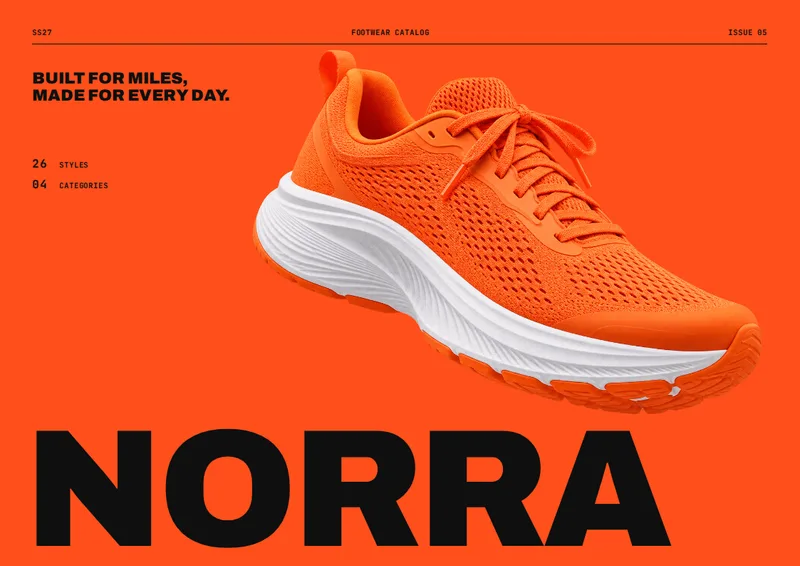
This handbag line sheet template is for wholesale handbag and accessories brands preparing a collection for retail buyers. The landscape A4 layout opens with a cover that introduces the collection and shows its style and category counts. A style overview follows, with a category index and a table of styles, categories, wholesale prices, MSRPs, and minimum order quantities. Buyers can check the range before turning to the product pages.
Product pages organized by category
Each category has its own heading and a grid of photo-led product cards. A card pairs the product image with its style number and name, then presents dimensions, material, available colors, wholesale price, MSRP, and MOQ. Color names appear alongside small swatches, making it easier to compare options across a collection. The layout accommodates up to six styles per category page; a category with more styles continues onto another page with a page count in the heading.
The sample line sheet renders eight pages, but the length depends on the products and categories in your spreadsheet. Use the category column to group totes, crossbody bags, clutches, or other styles. Give each product a distinct style_no so buyers can identify the exact bag they want to order.
Prepare your spreadsheet and photos
Add one row per style, using the columns style_no, name, image, category, dimensions, material, colors, wholesale_price, msrp, and moq. Enter color options together in the colors cell, such as “Cognac; Black; Taupe.” Put the corresponding photo filename in image and attach the product photos with your list. Check dimensions, material descriptions, and order minimums before producing the PDF: these details appear directly on the product cards.
The final page provides a dedicated place for ordering terms and contact information, so the line sheet closes with the details buyers need after reviewing the collection. The result is a print-ready PDF built from your product spreadsheet rather than a set of product pages assembled by hand.
Handbag Line Sheet Template, answered
What should I put in the image column?
Enter the product photo’s filename, such as TT-101.jpg, and attach that photo with your product list.
Can I include more than one handbag category?
Yes. Enter a category for each style. The layout lists the categories in the overview and groups product cards on category pages.
What happens if a category has more than six styles?
The category continues onto another product page, with a page count shown in its heading.
Where do wholesale prices and minimums appear?
The overview table shows wholesale price, MSRP, and MOQ for each style. The product cards show those details alongside the photo and specifications.
Is the line sheet always eight pages?
No. The sample renders eight pages; the length of your PDF depends on the number of categories and styles you include.
Make your line sheet from your spreadsheet
Start from this template, replace the sample data with your products and export a print-ready PDF.