Footwear Catalog Template
Present your footwear collection in a bold, landscape A4 catalog built around product photography. Give retail buyers a clear view of each style’s sizes, color options, materials, and price.
- A4
- Landscape
- 1–10 pages
Inside the footwear catalog template
Built for footwear catalogs
- Landscape A4 pages with image-led product grids
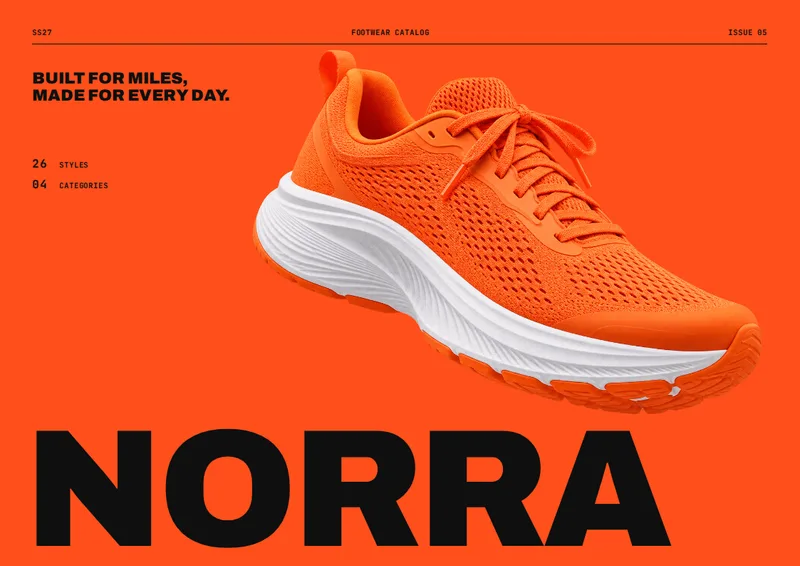
- Cover with style and category counts
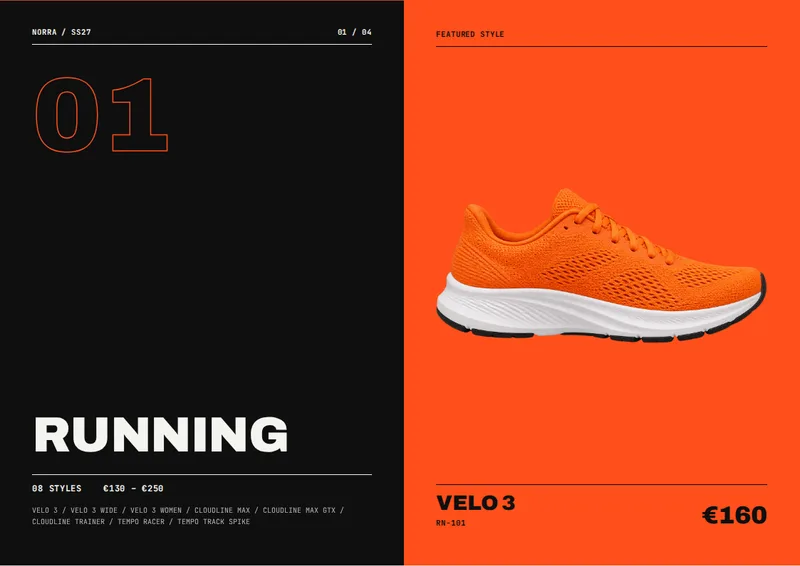
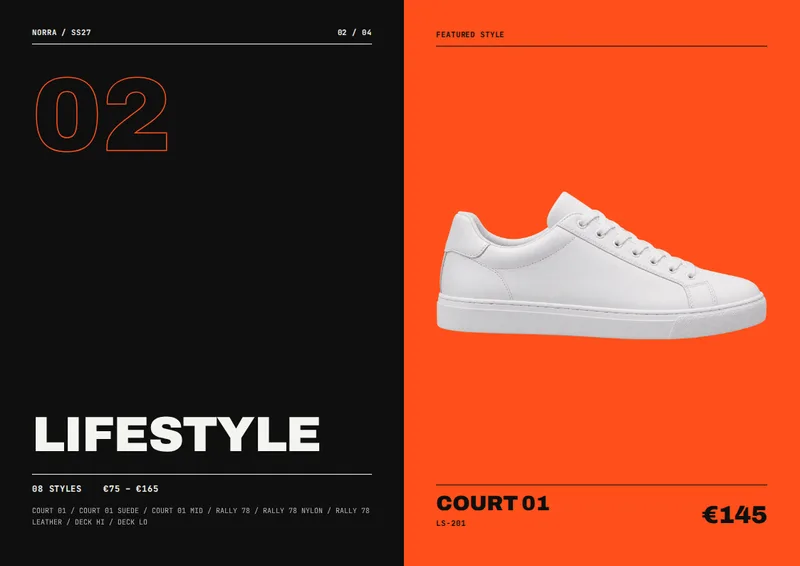
- Numbered category openers with style counts and price ranges
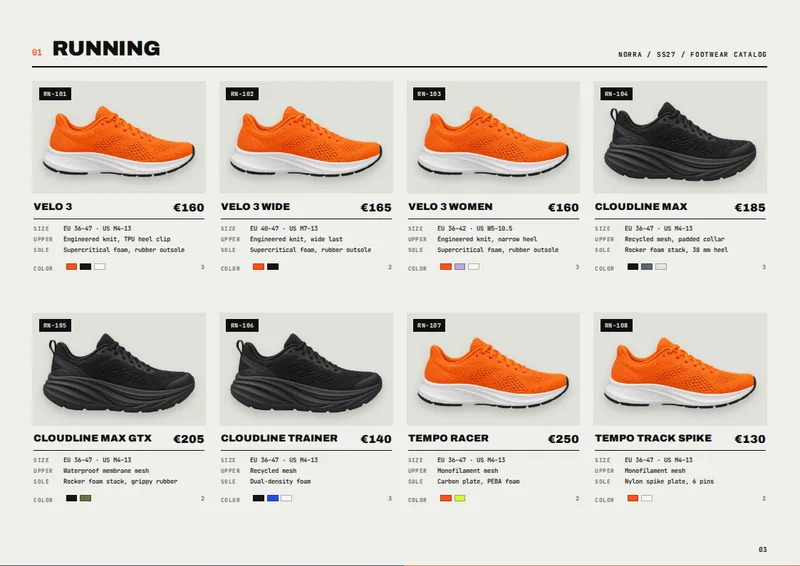
- Up to eight footwear styles per product page
- Back cover for store and contact information
Columns your spreadsheet needs
One row per product. Name your columns like this, or map your own column names when you connect the spreadsheet.
| Column | What goes in it | Example |
|---|---|---|
sku | SKU | RN-101 |
name | Style name | Velo 3 |
image | Product image | RN-101.png |
category | Category | Running |
size_run | Size run | EU 36–47 · US M4–13 |
colors | Colors | Signal Orange; Black; White |
upper_material | Upper material | Engineered knit, TPU heel clip |
sole | Sole | Supercritical foam, rubber outsole |
price | Price | 160 |
A catalog organized for footwear buyers
This template turns a product spreadsheet and matching photos into an image-led footwear catalog. It suits shoe brands, distributors, and manufacturers presenting a collection to retail buyers. Rather than putting every style into one long list, the catalog groups products by category, so buyers can move from Running to other parts of the range without losing their place.
The PDF opens with a cover that shows the number of styles and categories. Each category then gets its own numbered opener, with a style count and a price range when prices are supplied. Product-grid pages follow that opener. A back cover provides space for store and contact information.
Product photos with the details beside them
The landscape A4 product pages use a grid of up to eight styles per page. Each style has a prominent photo and SKU, followed by its name and product information. The layout is designed to keep images central while giving buyers the details they need to compare styles: size run, available colors, upper material, sole, and price. Color options can be shown as chips alongside their names.
That structure works for closely related products as well as broader collections. For example, a running shoe, its wide-fit version, and its women’s version can each have a separate SKU and size run while appearing together in the Running section. When a category needs more than one grid page, its product pages continue under the same category heading.
Build it from your product list
Use the category column to group styles and the image column to identify each product’s matching photo. Fill in sku and name for identification, then add size_run, colors, upper_material, sole, and price for the buyer-facing details. The sample spreadsheet uses one row per style, making it straightforward to include fit variants as separate products.
Use this template when you need more than a price list: a visual catalog that shows what each shoe looks like and puts its ordering details close at hand. The result is a print-ready PDF from your spreadsheet.
Footwear Catalog Template, answered
Can I organize shoes by category?
Yes. Enter a category for each style in the `category` column. The catalog groups those styles together and adds a numbered opener before their product pages.
What does a buyer see for each style?
Each product entry pairs a photo with its SKU, name, size run, colors, upper material, sole, and price.
Can I list fit variants separately?
Yes. Give each variant its own row and SKU. You can specify a different name, size run, colors, materials, and price for each one.
How do I match photos to products?
Put the matching photo filename in each row’s `image` column and attach those product photos with the spreadsheet.
What happens if a category has more than eight styles?
Its styles continue onto additional product-grid pages under the same category heading.
Make your product catalog from your spreadsheet
Start from this template, replace the sample data with your products and export a print-ready PDF.