Fine Jewelry Product Catalog Template
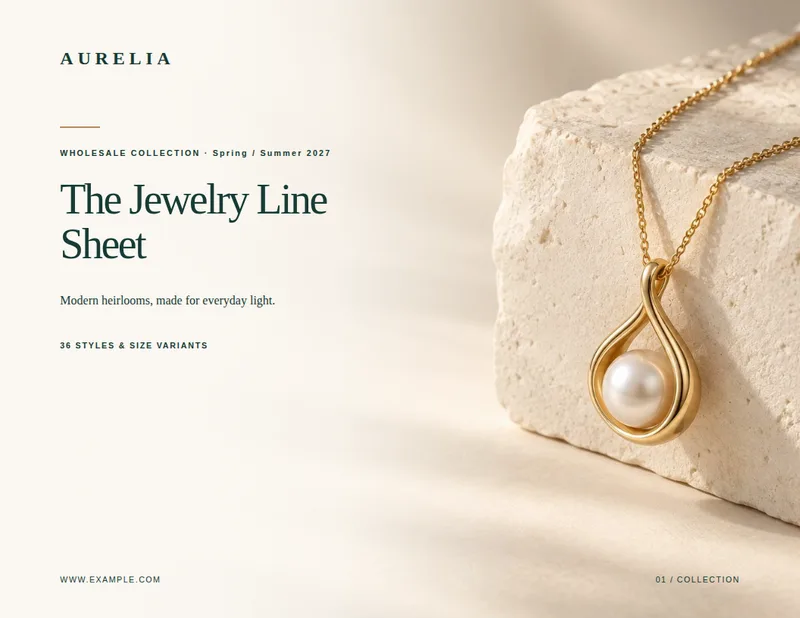
Present fine jewelry as a collection, not just a list of items. This A4 layout pairs editorial opening pages with product photography, descriptions, materials, stones, and prices.
- A4
- Portrait
- 1–100 pages
Inside the fine jewelry product catalog template
Built for fine jewelry catalogs
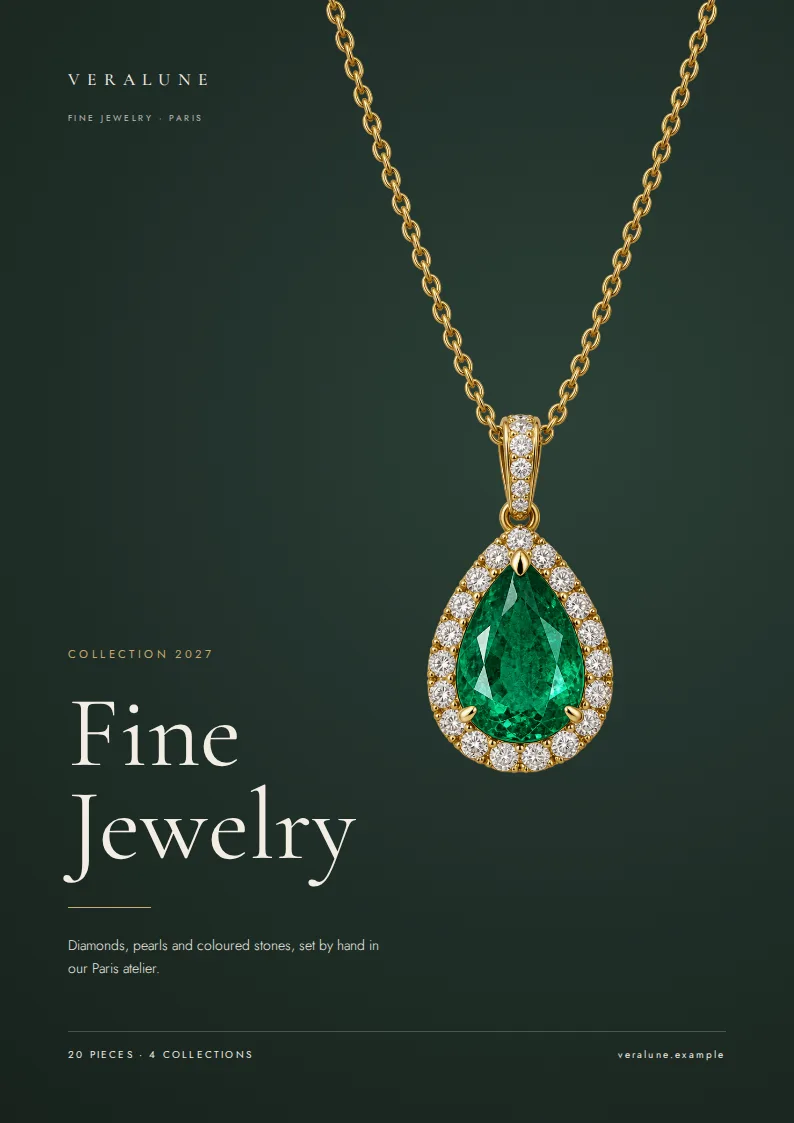
- A4 cover with piece and collection counts
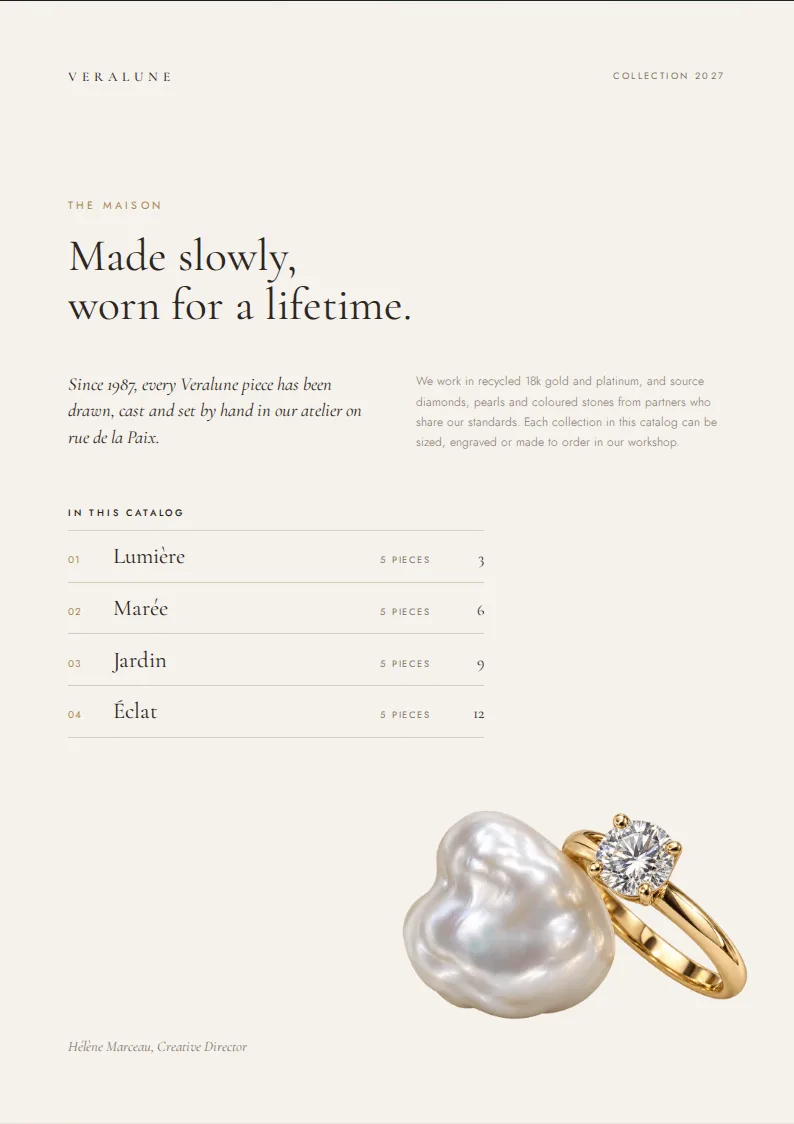
- Brand-introduction page with a collection index
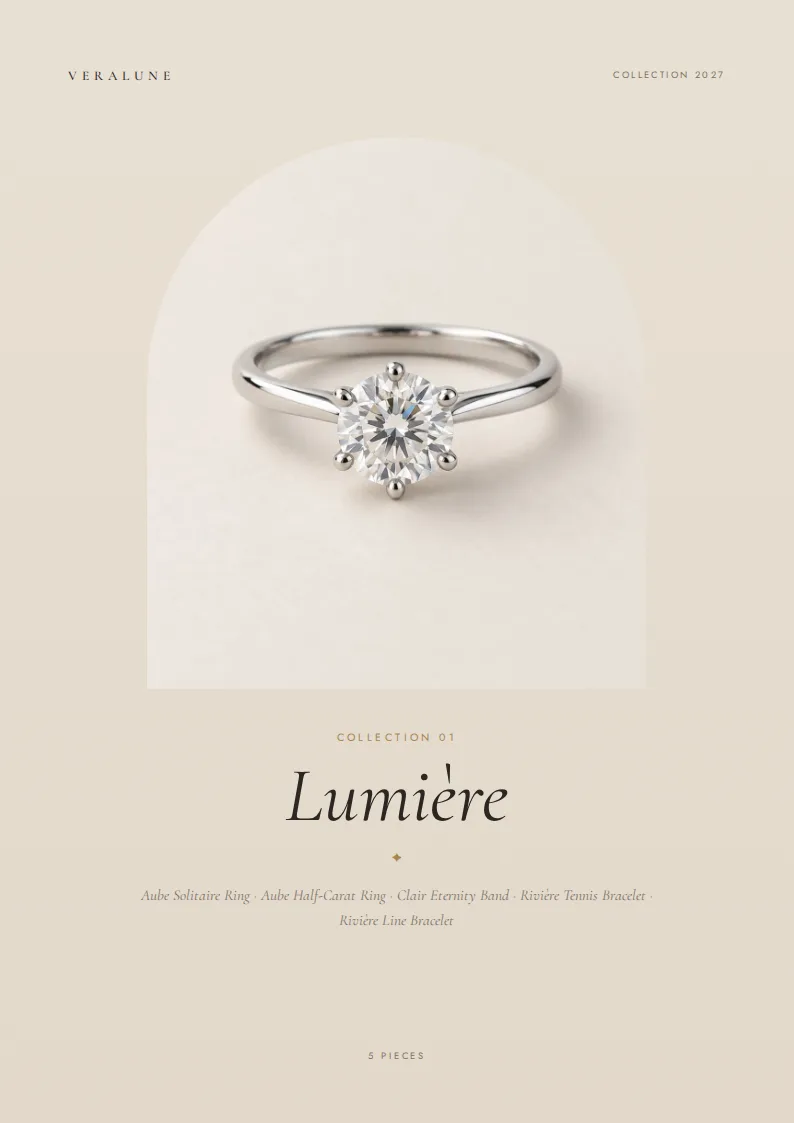
- Image-led opener for each collection
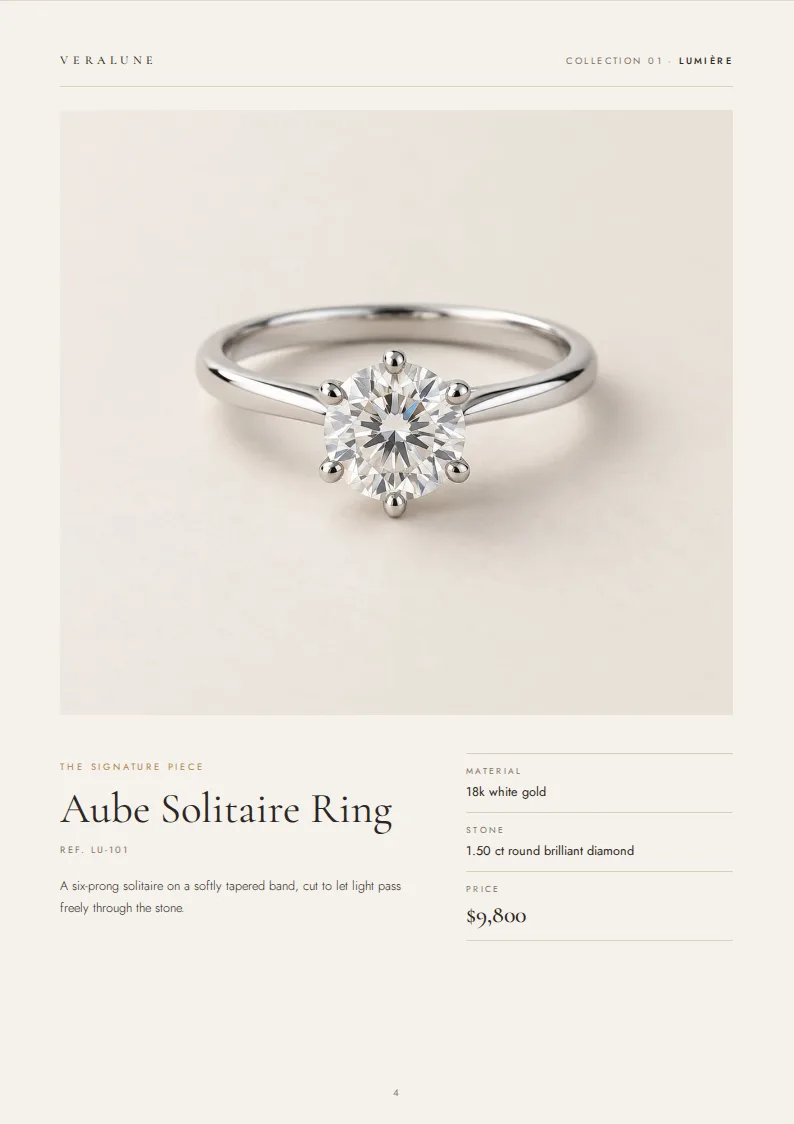
- Dedicated feature page for the first piece in each collection
- Product grids with up to four remaining pieces per page
Columns your spreadsheet needs
One row per product. Name your columns like this, or map your own column names when you connect the spreadsheet.
| Column | What goes in it | Example |
|---|---|---|
collection | Collection | Lumière |
image | Product photo | LU-101.jpg |
name | Product name | Aube Solitaire Ring |
sku | SKU | LU-101 |
description | Description | A six-prong solitaire on a softly tapered band. |
material | Material | 18k white gold |
stone | Stone | 1.50 ct round brilliant diamond |
price | Price | 9800 |
A catalog built around collections
The Fine Jewelry Edit template opens with a cover showing the number of pieces and collections, followed by a brand-introduction page with a collection index. Each collection then gets its own opener: a large image, collection name, numbered label, piece count, and list of product names. It gives a buyer a way to browse the range before comparing individual pieces.
This layout is suited to jewelry brands, makers, and distributors presenting rings, necklaces, earrings, or other fine jewelry in a polished PDF. It is set up for A4 pages; the sample catalog renders at 15 pages. The number of product-grid pages depends on how many pieces you include.
Lead with a featured piece
The first product listed in each collection becomes its featured piece. Its page gives the photograph room to stand beside the product name, SKU, description, material, stone, and price. Put the item you want to lead with first in that collection’s spreadsheet rows, and use its description to explain the details that may not be clear from the image alone.
The remaining pieces appear in product grids, with up to four items per grid page. This keeps the collection opener and feature page editorial while giving buyers a more compact view of the rest of the assortment. A back cover closes the catalog.
Fill the pages from your product spreadsheet
Use the collection column to group pieces. Add a name and sku so buyers can identify each item, and put the corresponding photo filename in image. The material and stone columns hold specifications such as “18k white gold” and “1.50 ct round brilliant diamond.” Use description for product copy and price for the displayed number.
The collection opener uses the first item’s photo, so choose a strong image for that row. If an item has no stone, its stone detail can be left blank. Once your rows and photos are ready, the template turns them into a print-ready PDF catalog with a consistent page structure across collections.
Fine Jewelry Product Catalog Template, answered
How are products assigned to collections?
Pieces with the same value in the `collection` column appear together under that collection's opener.
Which piece gets the featured page?
The first product row in each collection becomes its featured piece. The other pieces follow in product grids.
How many products appear on a grid page?
A product grid holds up to four pieces. Additional pieces in the same collection continue on another grid page.
Which image appears on a collection opener?
The opener uses the photo named in the first product row of that collection.
Can I include a piece without a gemstone?
Yes. Leave the `stone` cell blank for that piece; its stone detail will be omitted.

Make your product catalog from your spreadsheet
Start from this template, replace the sample data with your products and export a print-ready PDF.