Modular Kitchen Cabinet Catalog Template
Present cabinet modules as a coordinated A4 landscape catalog, with comparable front elevations, finish options, system details and a price list. Add your module data from a spreadsheet and attach kitchen or product photos.
- A4
- Landscape
- 1–100 pages
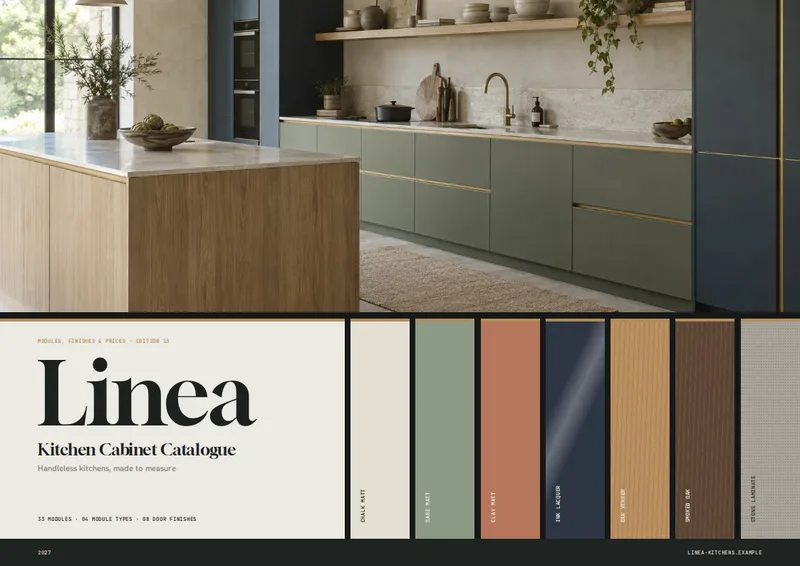
Inside the modular kitchen cabinet catalog template
Built for modular kitchen cabinets catalogs
- A4 landscape pages with a photo-led cover and contents
- System overview and dedicated door-finish samples
- Up to four comparable front elevations per module page
- Module sections grouped by cabinet type
- Separate price tables and terms page
Columns your spreadsheet needs
One row per product. Name your columns like this, or map your own column names when you connect the spreadsheet.
| Column | What goes in it | Example |
|---|---|---|
module_code | Module code | B40-1D |
name | Module name | Base unit, 1 door |
type | Cabinet type | Base |
image | Image | B40-1D.png |
width | Width | 400 |
height | Height | 720 |
depth | Depth | 560 |
fronts | Front configuration | 1 door |
door_finish | Door finishes | Chalk matt #E4DFD3; Sage matt #8E9A86 |
price | Price | 265 |
carcase | Carcase | 19 mm moisture-resistant board, 8 mm back |
fittings | Fittings | 1 adjustable shelf, soft-close hinges |
description | Description | A 40 cm door unit to close a run, with an adjustable shelf. |
Show buyers how the cabinet system fits together
This modular kitchen cabinet catalog template is for cabinet makers, kitchen brands and distributors presenting a range of base, wall, tall or island units. The A4 landscape layout opens with a photo-led cover and an introduction with contents, followed by a system page that explains the range before buyers reach individual modules. Kitchen and product photography gives the document context without replacing the dimensions and specifications needed to compare cabinets.
Compare modules by type
Modules are grouped using the type column, with an opener for each group. Product pages place up to four modules side by side. Each has a front elevation drawn from its width, height and fronts values, alongside its module_code, name, dimensions and product details. Elevations within a type use a shared scale, making differences in size and door or drawer configuration easier to see. The accompanying copy can describe the unit’s intended position in a kitchen run, while carcase and fittings record its construction and hardware.
Put finishes and prices in their own sections
A dedicated door-finishes page shows labeled samples drawn from the door_finish entries in your spreadsheet. Enter finish names with color codes, separated by semicolons, to distinguish options such as Chalk matt, Sage matt and Ink lacquer. Buyers can review the palette before turning to the module pages.
The price-list section gathers modules into compact tables by type. Each row identifies a module by code and name and lists its width, height, depth, front configuration and price. Keeping this section separate lets a buyer scan prices without searching through the illustrated product pages. The catalog closes with a terms page and a back cover.
Start with one row per cabinet module
Use your existing Excel, CSV or Google Sheets product data, with one row for each size or configuration you sell. Include dimensions in millimeters and describe fronts in plain language, such as “1 door” or “2 drawers.” Add an image filename where you have a product photo, and use description for the short explanation that accompanies each module. The result is a print-ready PDF catalog that brings the range, finishes, specifications and price list into one document.
Modular Kitchen Cabinet Catalog Template, answered
How are cabinet modules organized?
Each spreadsheet row represents one module. The catalog groups rows by `type`, such as Base, Wall, Tall or Island, and gives each group a section opener.
Do I need a front-elevation image for every cabinet?
No. The front elevations use the `width`, `height` and `fronts` values in your spreadsheet. You can also provide product image filenames in the `image` column.
What units should I use for cabinet dimensions?
Enter `width`, `height` and `depth` in millimeters. The dimensions appear with mm labels in the catalog.
How should I enter door-finish options?
Put finish names and their hex color codes in `door_finish`, separating entries with semicolons—for example, “Chalk matt #E4DFD3; Sage matt #8E9A86.”
Where do buyers find the prices?
A separate price-list section groups modules by type and shows each module’s code, name, dimensions, front configuration and price.

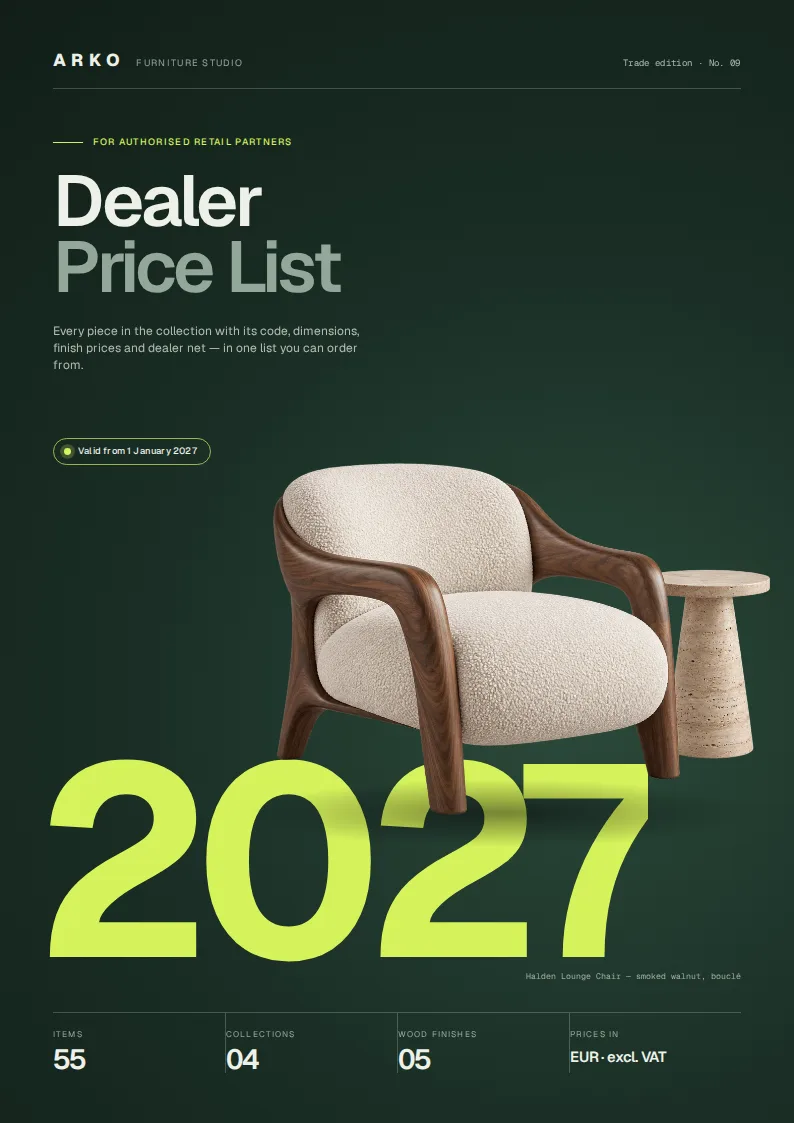


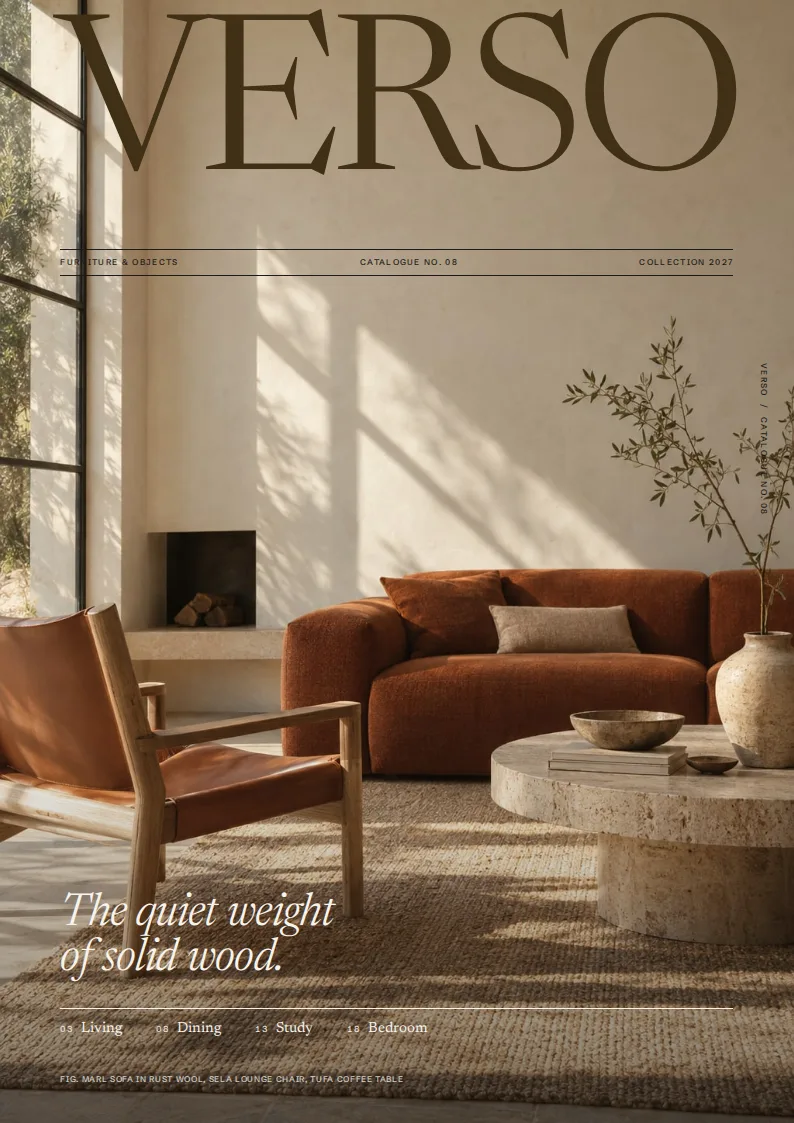
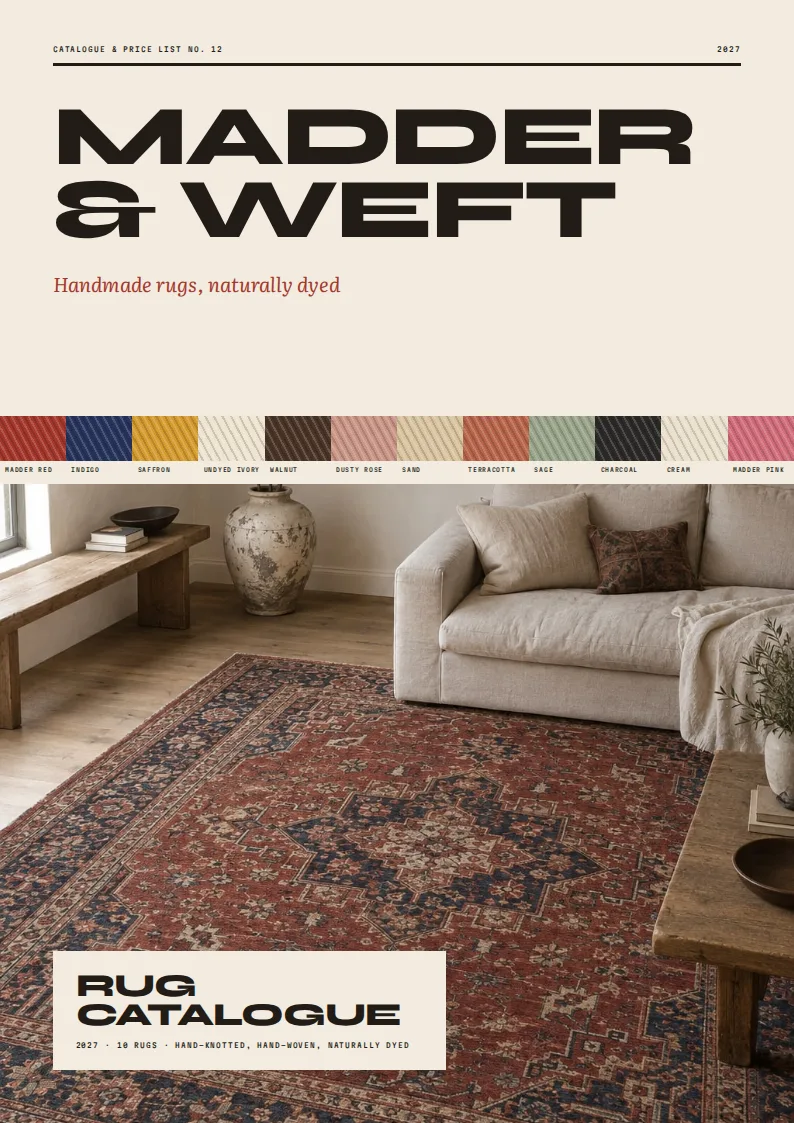
Make your product catalog from your spreadsheet
Start from this template, replace the sample data with your products and export a print-ready PDF.